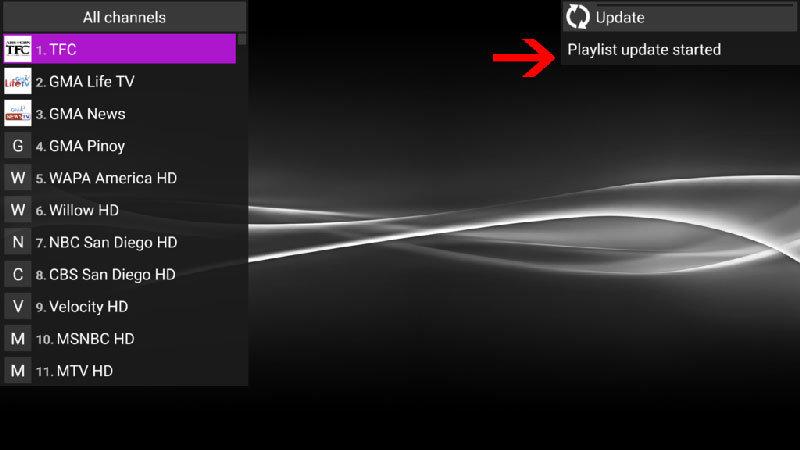
Perfect Player
Overview
Its one of most advanced IPTV player with many feature to customisation. This IPTV player developed based m3u link . In order to add IPTV channels, you must add your own m3u playlists inside the settings section. Perfect Player is available on Android and Microsoft Windows.
Setup
1. Select Settings
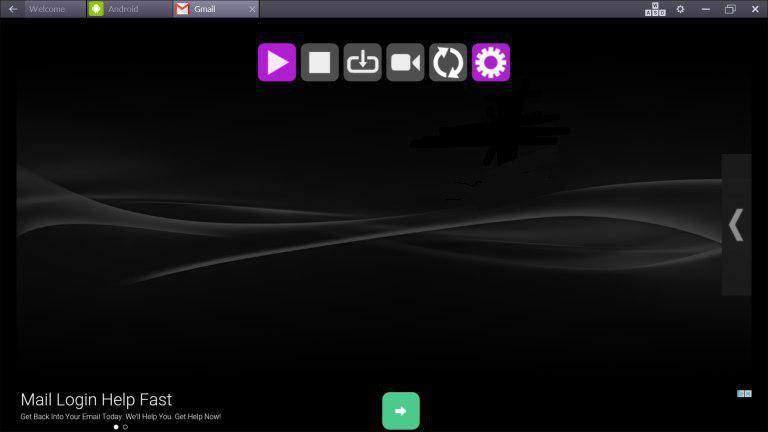
After the Application is downloaded on your device, open it. On the main menu, click on 'Settings'.
2. Add M3u link
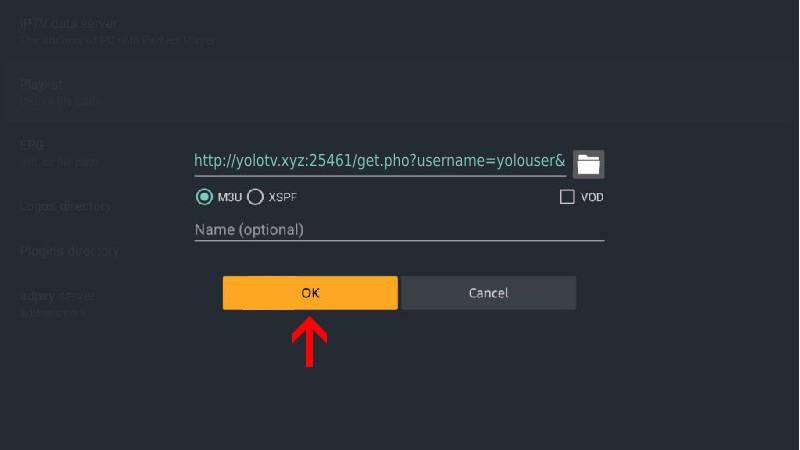
Navigate to General > Playlist. Enter your m3u link in URL or File path section
3. Active Channels group
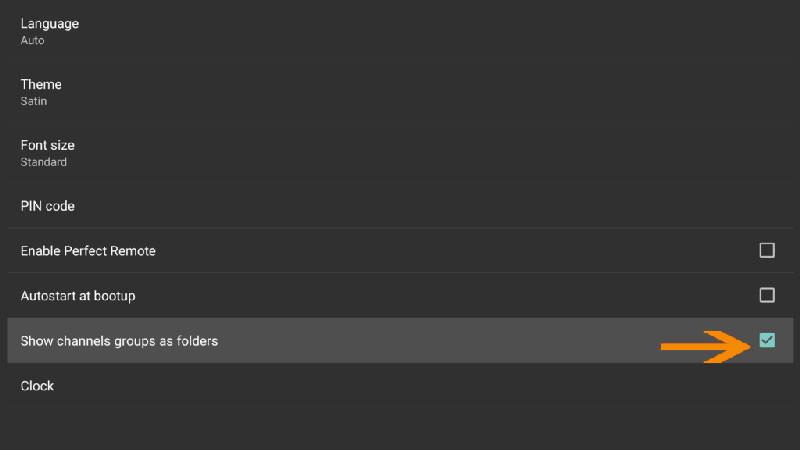
For huge playlist , its better to active group categories features. Navigate to Settings > GUI and active Show channels group as folders
4. Loading channels and VOD
Now head back to the main screen and you will see that the channels and VOD are being updated and added to your perfect player.