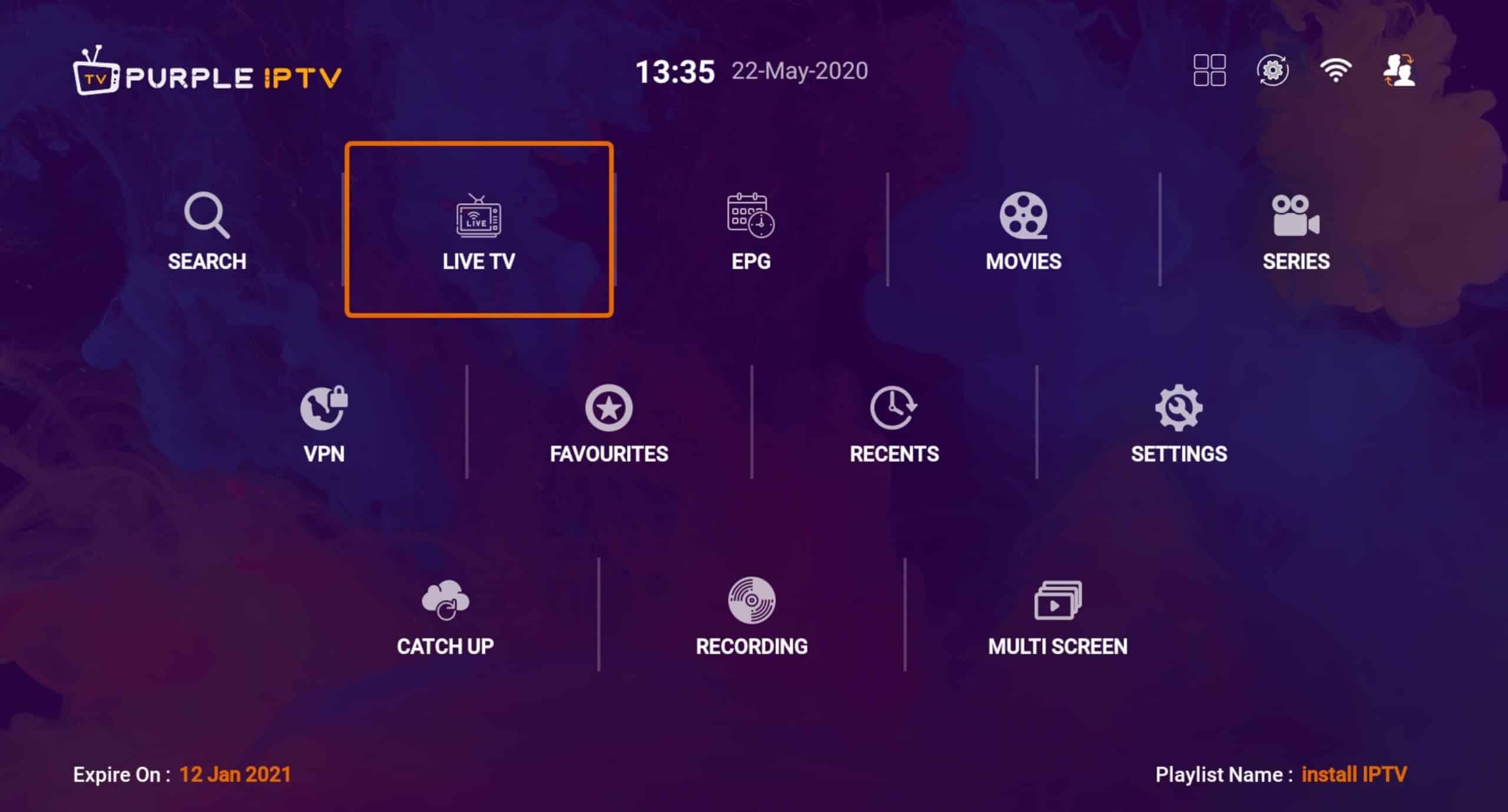
IPTV Purple
Overview
It's the one of best alternative application for Android devices like Android TV, android phones / tablets, Fire TV. It's recommended for users who IPTV providers IP blocked by ISP and want to bypass blocking and connect to IPTV server anonymous.
Features
- Free VPN Service to Get seamless experience to play video
- Fast Play , Fast Zapping
- Parental Control to lock channels and category
- Multi screen
Setup
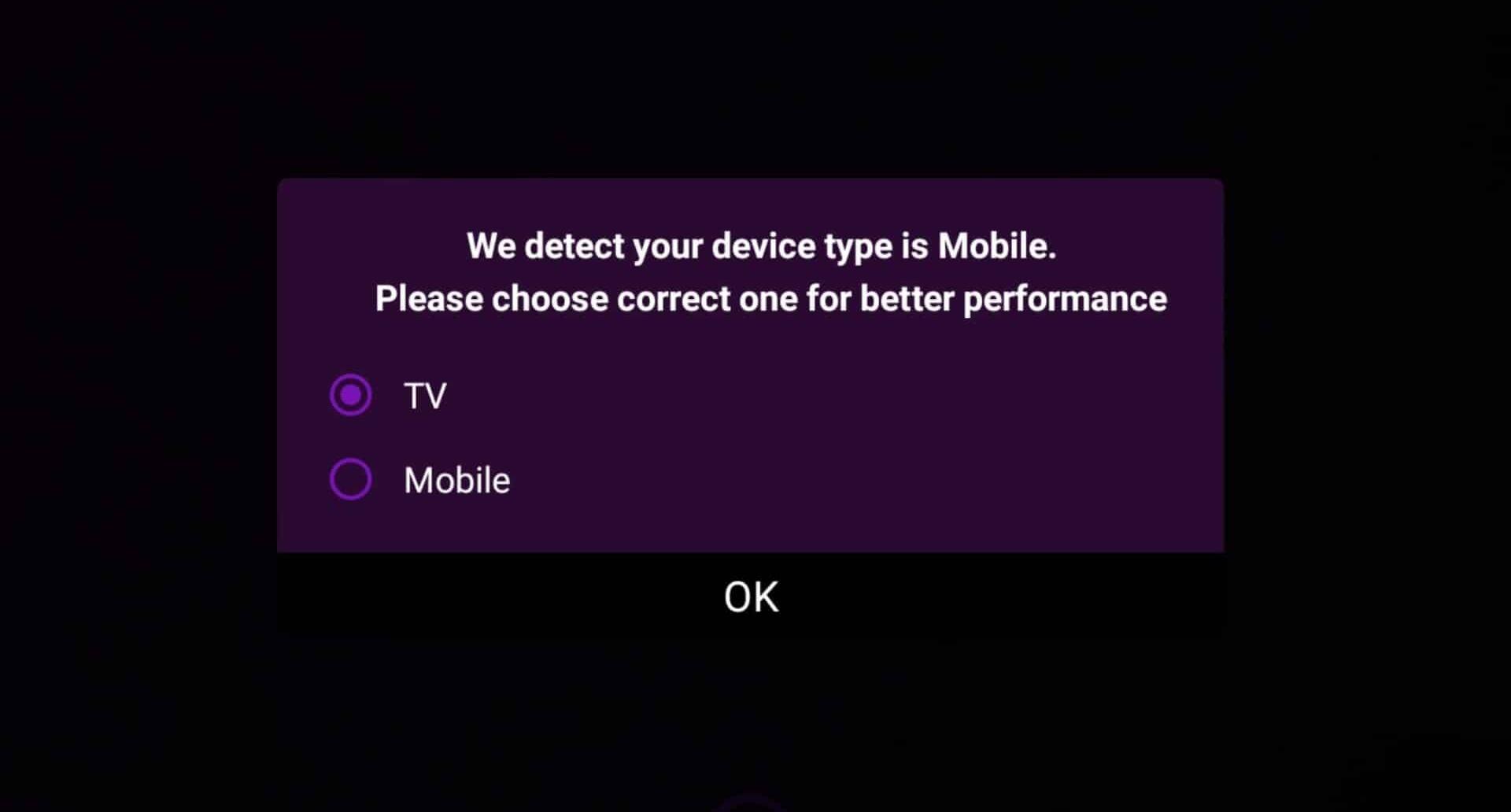
1. Choose between TV or mobile mode
After installing IPTV Smart Purple, in first you need choose TV or mobile mode , to display best interface.
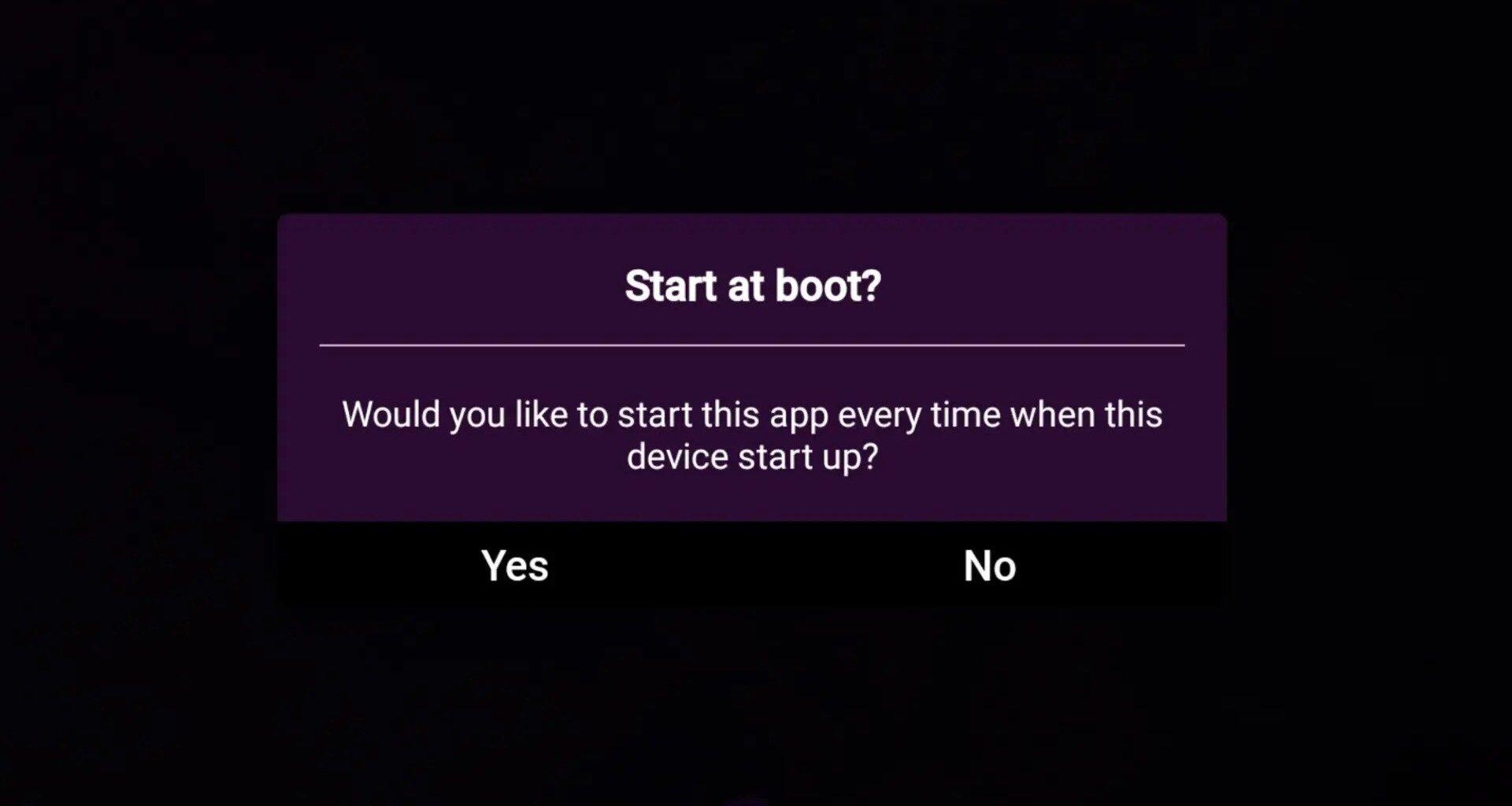
2. Choose Yes or No at booting device
If you want start app automatically when you turn on device choose YEs otherwise choose NO.
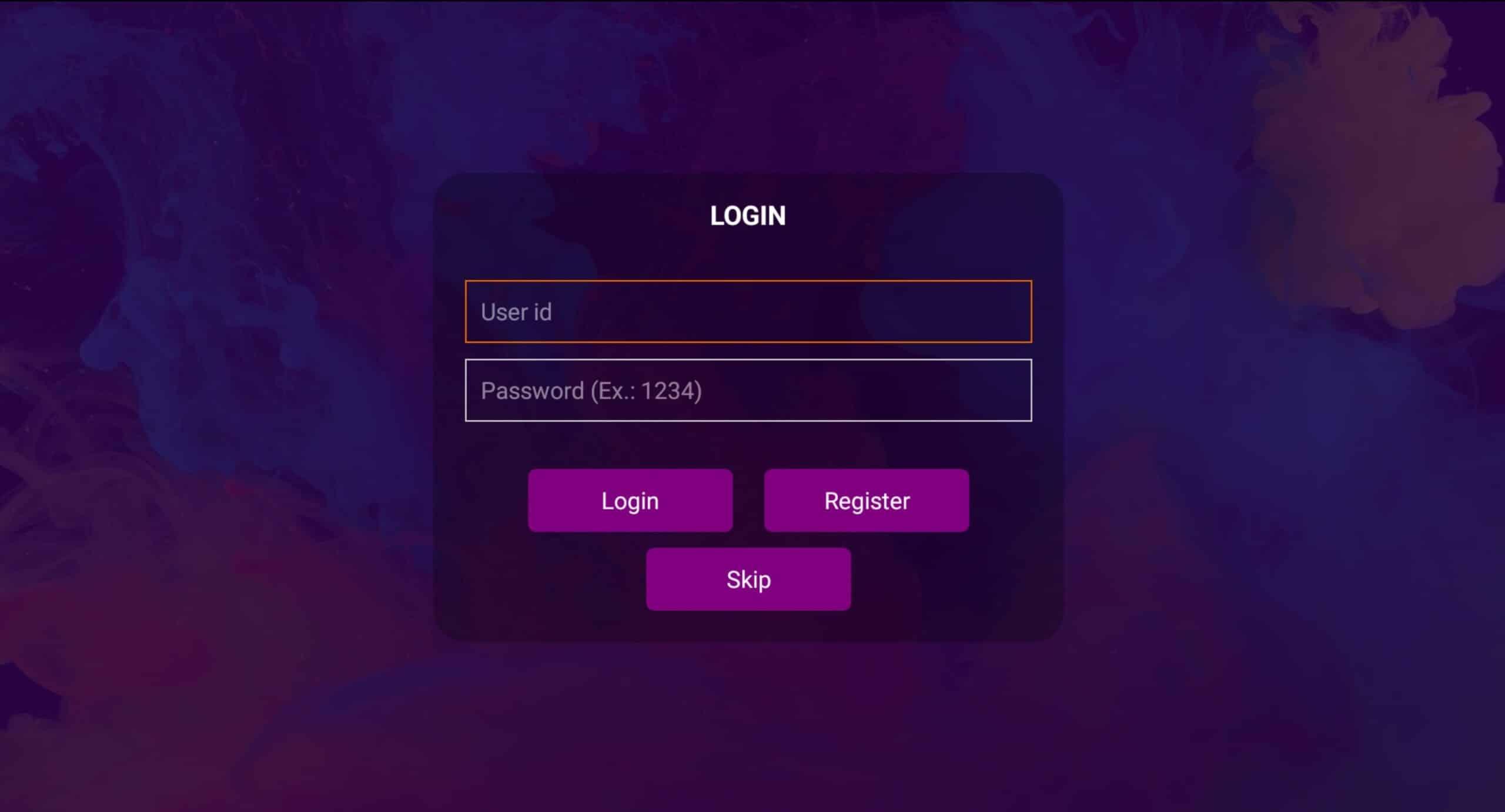
3. You can skip sign up or login step
You can install your playlist on cloud by create an account and continue installing in smart IPTV porple portal. Any way you can SKIP this step by choosing skip.
4. Select + Add Playlist
You need add your playlist now by pressing the + button.

5. Choose Which method to add playlist
You need choose which method you want add list , We recommend choose Login With Xtream Url which supported from more than 95% of IPTV providers . Otherwise you can use M3u Link by choosing Load Playlist from Url
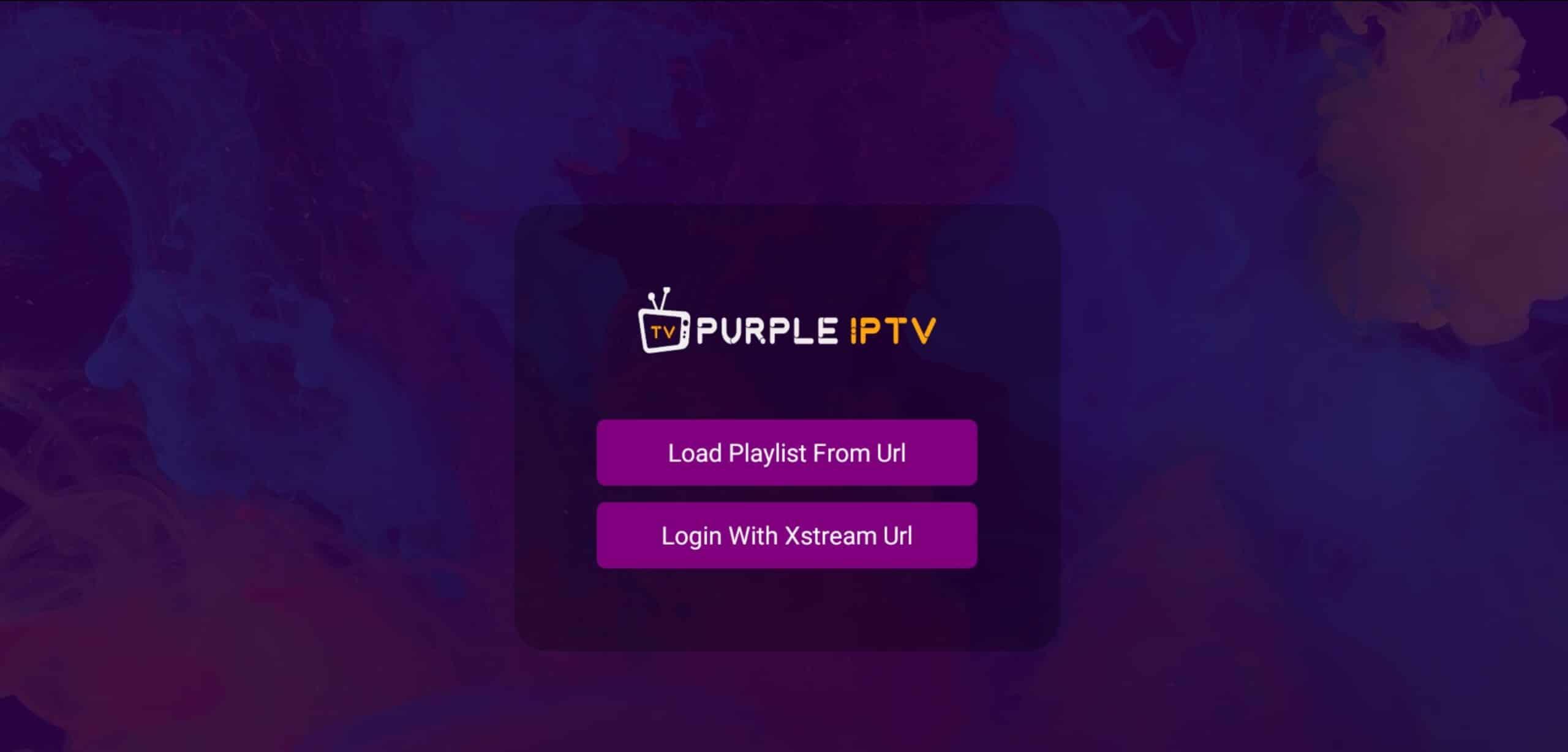
6. Enter Xtream details
Choose a name for your list (it can be any name- in case: install IPTV ) in first field and Xtream codes USERNAME , PASSWORD and PORTAL URL which provided by your IPTV service provider then press Login.
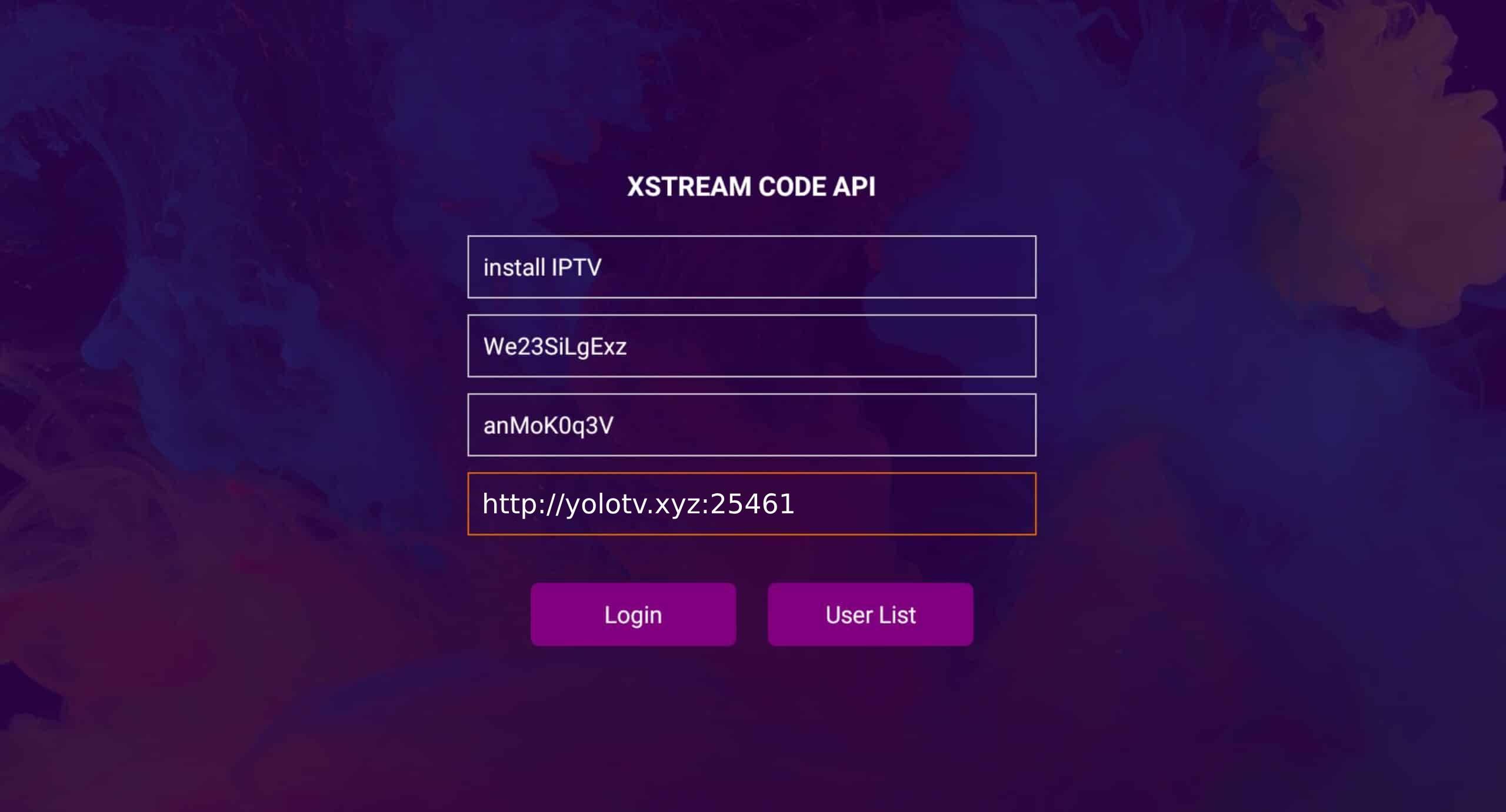
7. You are logged in
Done! You are logged in and services are available now.